 PollPal
Choosing a social shopping poll app?
Check these 7 things first.
Undecided shoppers ask friends before they buy. Apps that capture that moment are few — and the differences that bite show up only after you install. Here's what merchants in this category actually complain about.
The 7-point checklist
01 Is pricing flat, or usage-based?
Usage pricing means your bill depends on an attribution model you can't inspect. Surprise invoices are the #1 complaint in this category. Check for tiers scaling with "attributed revenue" — and for spending caps authorized at install.
02 Do vote notifications really exist?
The poll creator is a shopper, not you. If nobody tells them friends voted, they never come back to buy — the loop breaks. Test it before you trust the feature list.
03 Can you see every poll and vote?
Aggregate charts look nice, but you need per-poll detail — options, votes, voters, clicks — to know which products people hesitate on. Totals only means data you can't act on.
04 Does the vendor cold-email you after install?
Some vendors treat your inbox as a sales channel. Repeated unsolicited emails from "customer success" reps are a documented pattern here — search recent reviews for the word "email".
05 Does support actually answer?
Small category, no community forum to fall back on: vendor support is the only lifeline. Send a pre-sales question and time the reply.
06 Will it slow your storefront?
Ask how many scripts and kilobytes, blocking or deferred. A poll widget should be one deferred script of a few KB, with zero API calls at page render.
07 Can friends vote without an account?
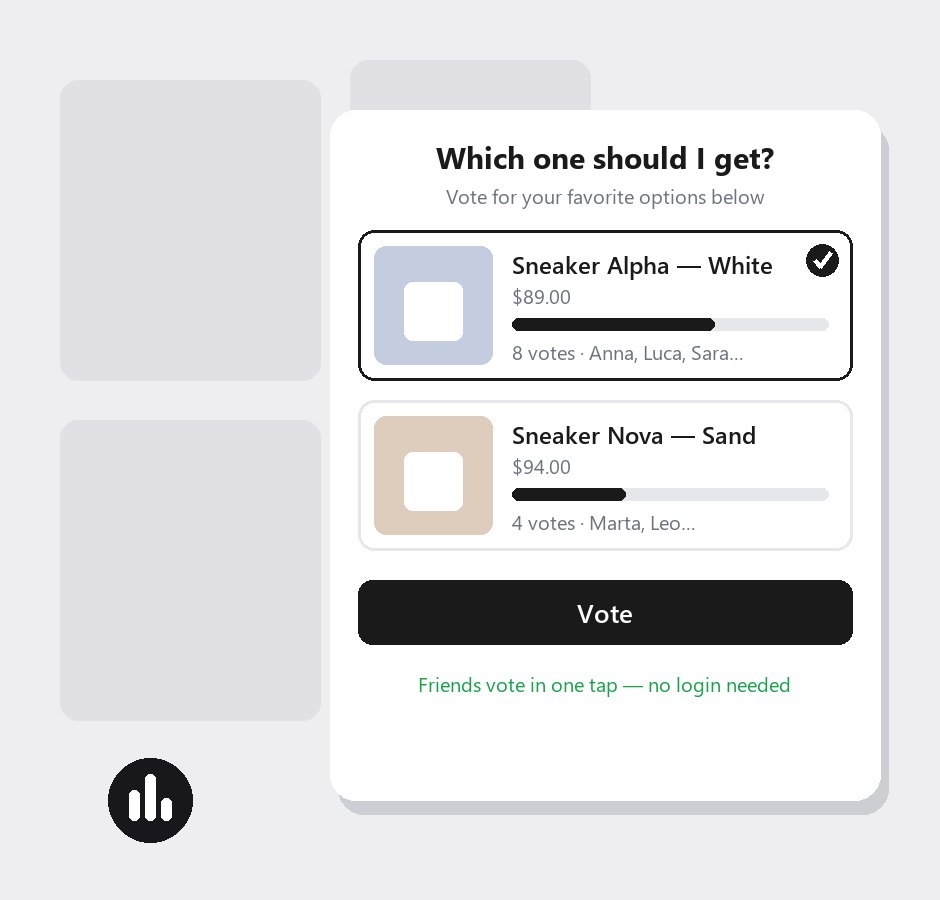
Every step between "friend taps the link" and "friend votes" costs you votes. Logins, app installs and email walls kill the loop.
Green flags vs red flags
| Check | Green flag | Red flag |
|---|---|---|
| Pricing | Flat monthly, disclosed upfront | Usage tiers, spending caps, a "free" that isn't |
| Notifications | Real emails you can test | A claim on the feature list |
| Data | Per-poll votes, voters, clicks | Aggregates only |
| Vendor | Leaves your inbox alone | Cold emails after install |
| Support | Answers, even pre-sales | Silence after the sale |
| Performance | One deferred script, a few KB | Blocking scripts, external iframes |
| Voting | Tap → vote, no login | Accounts, installs, email walls |
How PollPal answers all 7
- Flat $34/month, 14-day trial, no usage charges
- Real opt-in email alerts to poll creators
- Per-poll votes, voter names, clicks, add-to-carts
- Zero unsolicited outreach, ever
- A human answers every support email
- One deferred ~15KB script, no API calls at render
- Friends vote in one tap, on any device, no login
Friends vote. Shoppers buy.
Let undecided shoppers ask their friends — right on your store.
Install PollPal — 14-day free trial